Manage Users
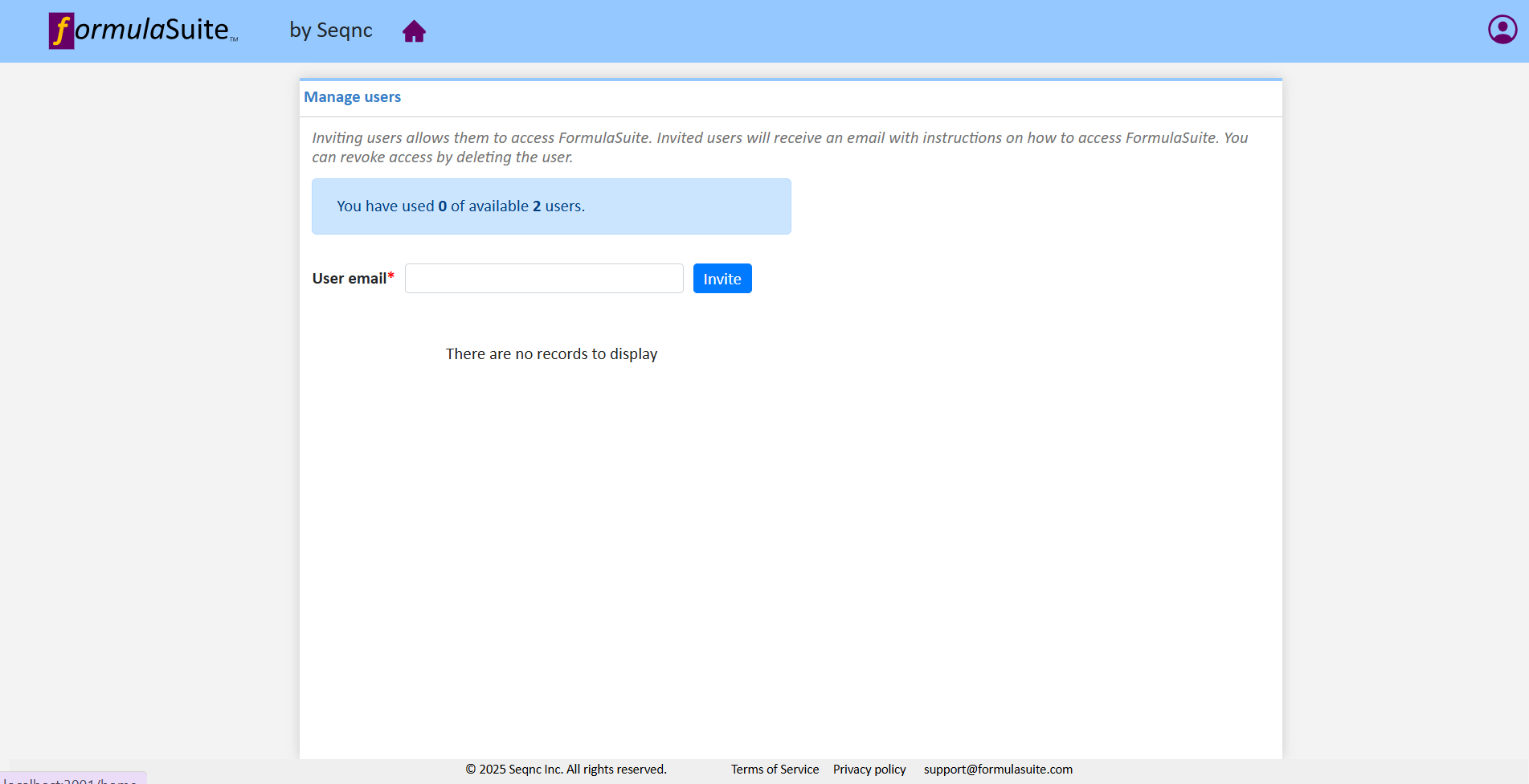
You can add or remove users on the Manage users page. This page will list all the users who have been invited.
|
Invite users
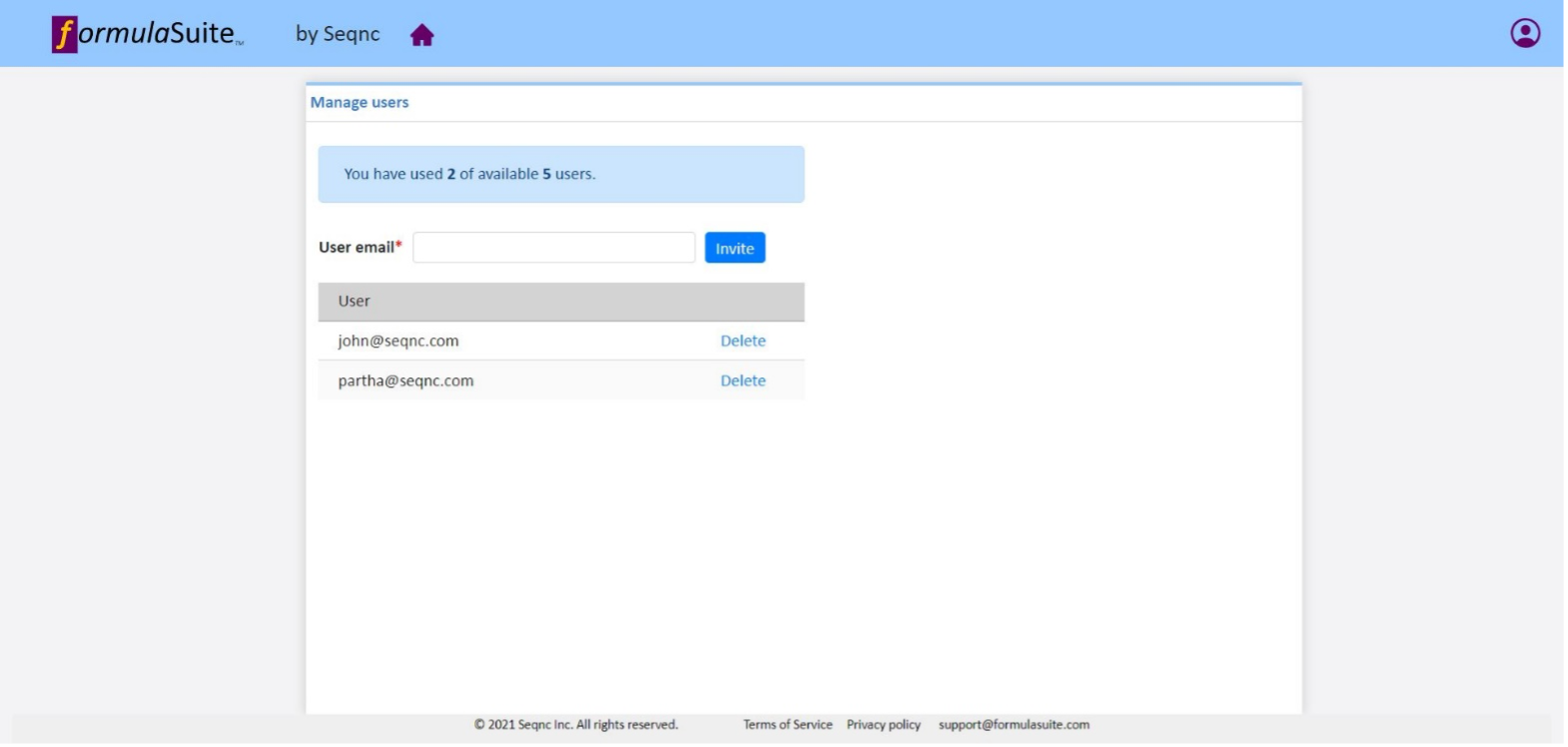
Enter the email address of the user you want to invite and click on “Invite” button to invite the user. Once successfully invited ,user will be listed in the table below
|
Delete users
Click the “Delete” link next to the user you want to remove. Upon confirmations user will be deleted.