Manage Subscription
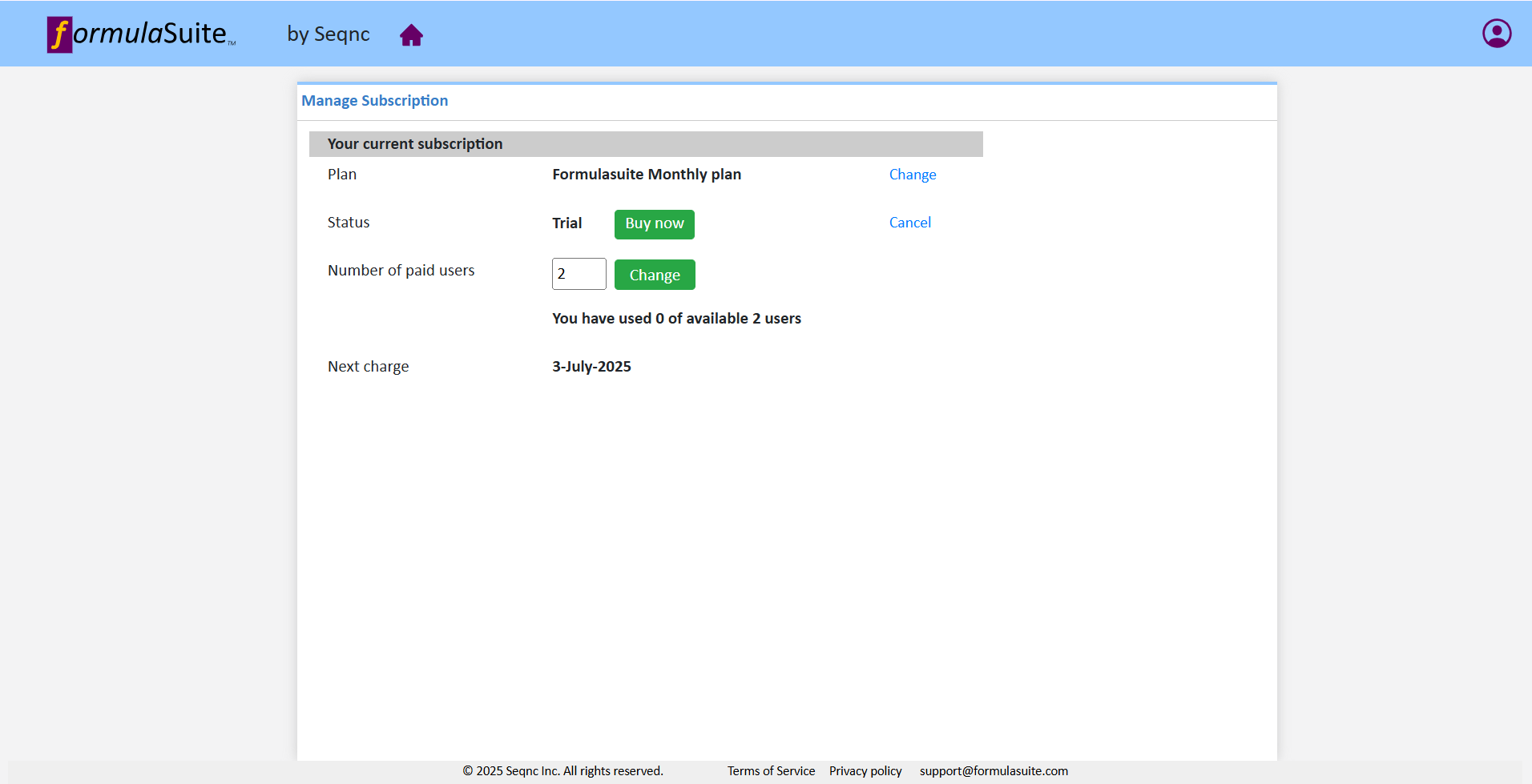
In the 'Manage Subscription' section, You can view the user's current subscription information and update the subscription.
|
Update plan
To update the plan, click on “Change”. In the drop down you can select either monthly or annual subscription. If you are on trial plan the change will be applied immediately. If you already have a subscription then downgrade will take effect after the end of current subscription period ends.
Purchase subscription
A 14-day free trial period is available upon sign-up.Users can buy ,upgrade or downgrade their plan using “Buy now/change” button. Downgrading a plan will take effect from the next billing cycle.